Christmas shipping deadlines: how to tell customers when to order
Will it arrive before Christmas? How to set your last order day, show it on every page with a countdown, and keep selling to customers who come too late.
In December, almost every visitor to your webshop has the same question in the back of their mind: "Will it arrive before Christmas?" If your website doesn't answer it clearly, many of them will buy somewhere that does, or not buy at all. A Christmas countdown to your last order day is one of the simplest ways to answer it, and it turns the Christmas deadline from a worry into a reason to buy now. In this post, we look at how to set your Christmas shipping deadline, how to show it, and what to offer the customers who come too late.
Why the Christmas order deadline matters so much
For most of the year, delivery time is a detail. In December it is the whole decision. A gift that arrives on 27 December is not a gift, it's an apology. That makes customers careful in the last weeks before Christmas:
- They hesitate when they can't find out if an order will arrive in time.
- They switch to a big shop that clearly promises delivery before Christmas.
- They email you to ask, which takes your time in your busiest weeks.
A clear deadline solves all three. And because it is a real deadline, it also gives customers an honest reason to order today instead of tomorrow.
How to set your last order day for Christmas
- Check your carrier's Christmas deadlines. Most carriers publish the last day to send parcels for delivery before Christmas, both in your own country and abroad. Find them for every shipping method you offer.
- Add your own handling time. If you pack orders the next working day, your last order day is one day before the carrier's last sending day. In December, add an extra day for the rush.
- Decide what "Christmas" means for your customers. In Denmark and much of Scandinavia and Central Europe, gifts are opened on Christmas Eve, 24 December. In the UK and the US, it is Christmas Day, 25 December.
- Have different deadlines for different methods, if needed. Express shipping can buy you a few extra days. Mention it near the end, when standard shipping is too late.
Many shops end up somewhere around 19–21 December for domestic standard shipping, but the right day for you depends on your carrier and your packing.
Show the deadline everywhere
A deadline only helps if customers see it before they decide. A shipping page that nobody reads is not enough. The deadline should be visible on every page, especially product pages, where people decide whether to buy.
A countdown to the last order day
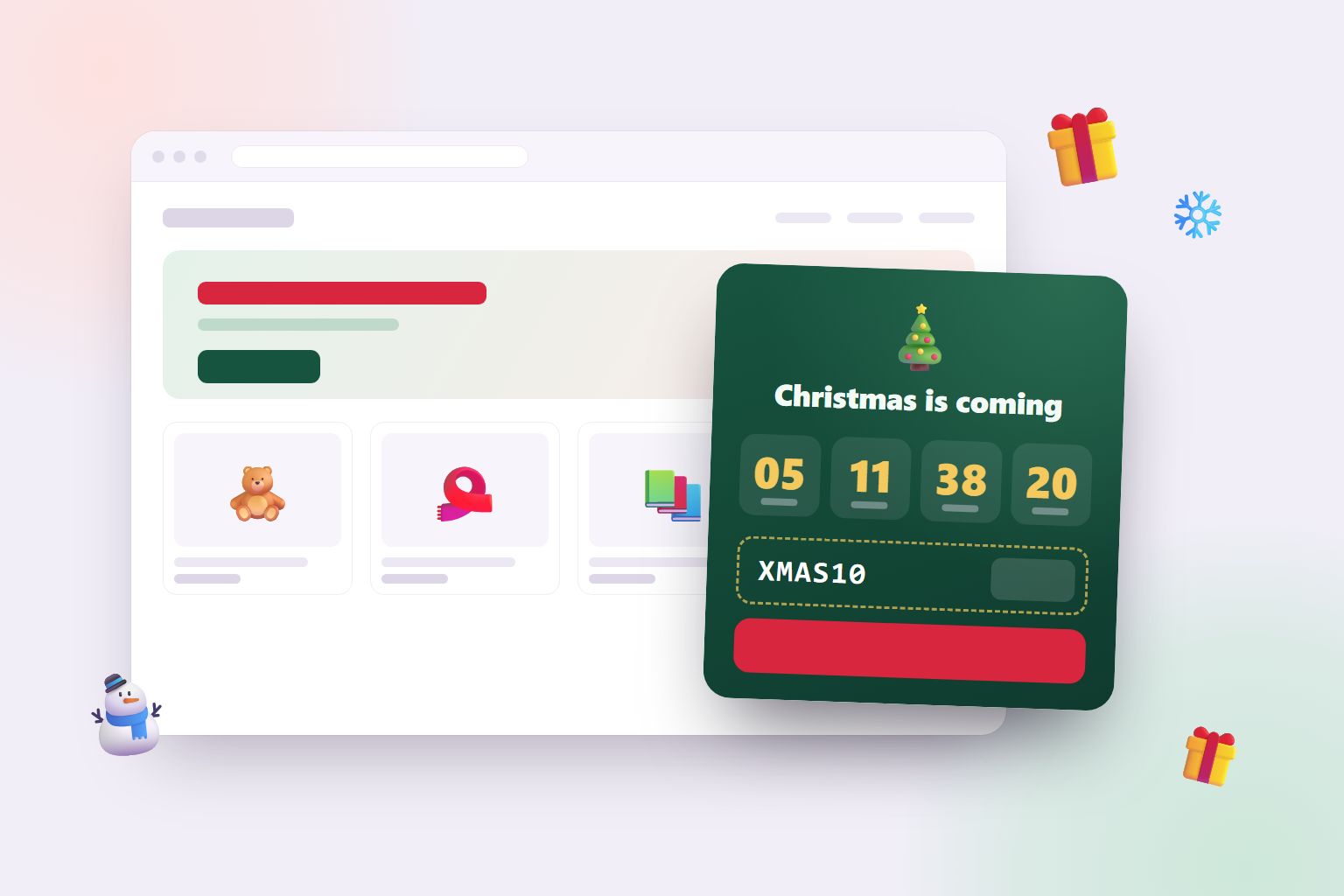
A countdown in the corner of your shop that says "Last day for delivery before Christmas is in 3 days, 6 hours" is clear, honest and impossible to miss. As the number gets smaller, the reason to order now gets stronger. That is exactly what the Christmas Countdown widget does: it counts down to your last order day, shows the date ("Order by 19 December"), and can show a discount code and a button to your gift guide.
A bar at the top of every page
Combine the countdown with a short message in an announcement bar: "Order by 19 December for delivery before Christmas". The bar gives the date, the countdown gives the urgency.
On product pages and in checkout
Repeat the deadline near the add-to-cart button and in your order confirmation emails. Customers who are sure their gift will arrive are much more relaxed about pressing "buy".
What to offer customers who are too late
The deadline doesn't have to be the end of your Christmas sales. Late shoppers still need gifts, and they are often willing to pay for a solution:
- Gift cards. Delivered instantly by email, and perfect for the last few days. Make them easy to find.
- Click and collect. If you have a physical shop or a pickup point, pickup can work right up to Christmas.
- Express shipping. A paid upgrade can extend your deadline by a day or two.
- "Arrives after Christmas" with a gift card to put under the tree. Some customers are happy with a printed card that says the real gift is on its way.
The Christmas Countdown switches to a second message after your order deadline, such as "Too late for delivery? Our gift cards arrive instantly", and counts down to Christmas instead.
Free shipping and discounts at Christmas
December is not the time to give away your margin. Many customers are buying anyway, so a big discount mostly goes to people who would have paid full price. Two things often work better:
- Free shipping over a limit. It makes customers add one more gift to reach the threshold, which raises your order value instead of lowering your price. Use our free shipping calculator to find a limit that pays for itself.
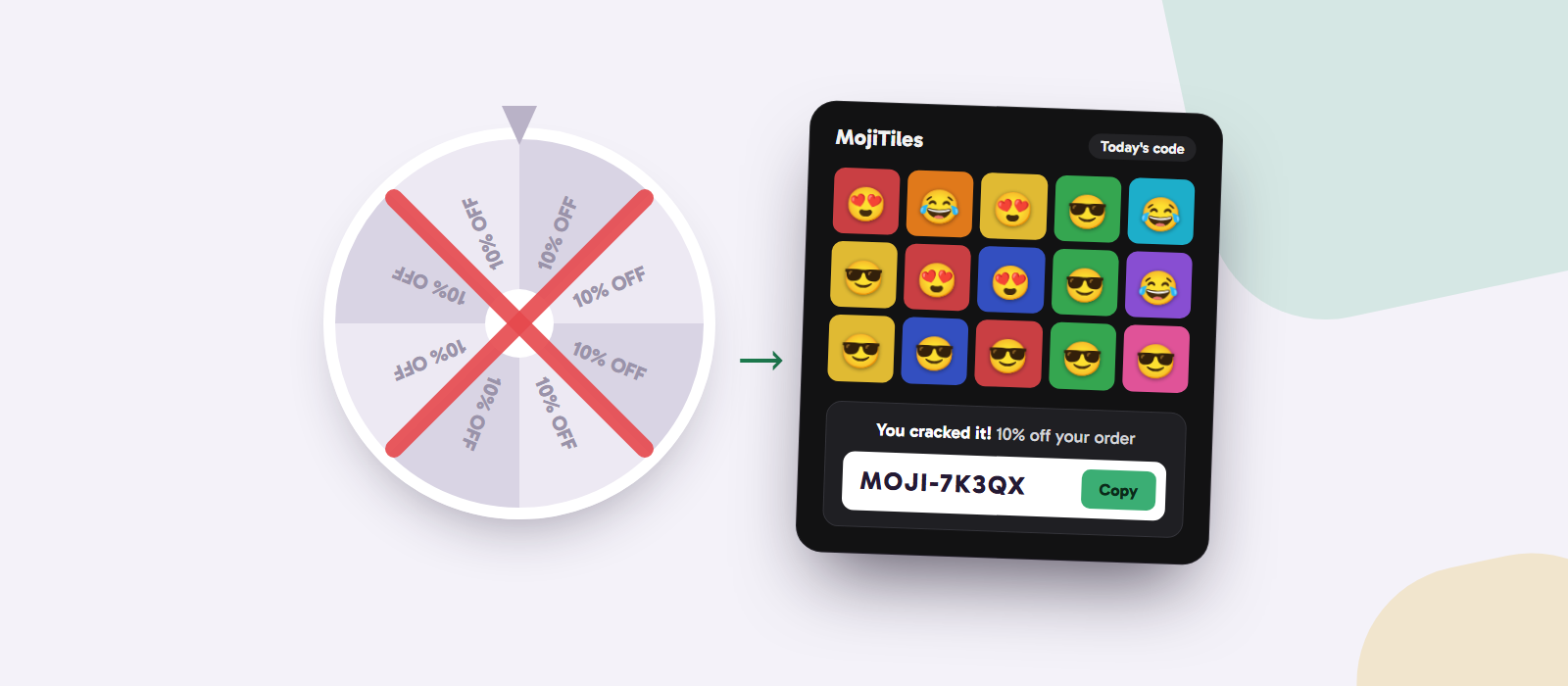
- A small, earned reward. Instead of a code for everyone, let visitors win one, for example by solving a short daily puzzle like MojiTiles. It feels like a Christmas surprise rather than a price cut, and it reaches the visitors who are most interested in your shop. We wrote more about that in Earned discount codes.
If you do run a Christmas discount, check what it costs with the discount cost calculator first, and set an end date on the code.
Your Christmas season, step by step
| When | What to do |
|---|---|
| Early November | Find your carriers' Christmas deadlines and decide your last order day. |
| After Black Friday | Switch your website to Christmas: countdown, gift guide, announcement bar with the deadline. |
| The last week before the deadline | Remind customers in your newsletter and on social media. The countdown does the rest on your website. |
| After the deadline | Push gift cards, click and collect and express shipping. |
| Christmas | Say thank you. A "Merry Christmas" message on your website is a small, warm touch. |
Running a Black Friday campaign first? Read Black Friday countdown timers: sell more without giving away your margin. The Black Friday Countdown hides itself after your sale, just as it is time for Christmas.
How to add a Christmas countdown with mojitiles
- Create a free account and add Christmas Countdown.
- Set your last order day, choose 24 or 25 December, and write your messages for before and after the deadline. Add a code and a link to your gift guide if you like.
- Paste one line of code into your website. Our guide How to add a game to your website shows you how, step by step, for Shopify, WordPress, WooCommerce, Wix and more. Widgets are added the same way.
The countdown runs in each visitor's own time zone, wishes your customers a merry Christmas on the day, and hides itself the day after.
Make "will it arrive in time?" an easy yes
At Christmas, a clear deadline sells. Tell customers exactly when they need to order, show it on every page, and have a good answer ready for the ones who come too late. Your customers get their gifts in time, and you get fewer worried emails in your busiest weeks.
Try the Christmas Countdown and help your customers order in time. 🎄