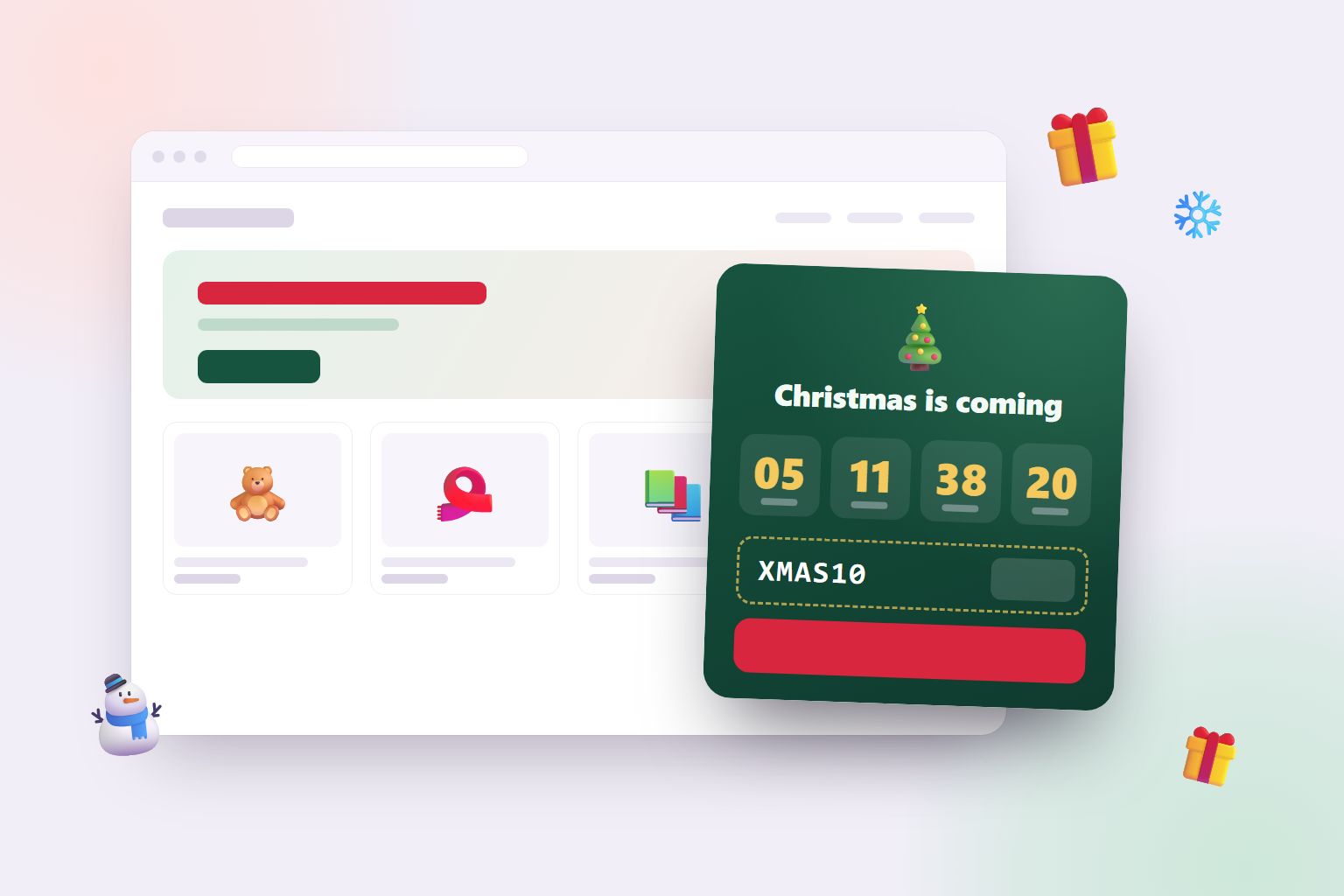
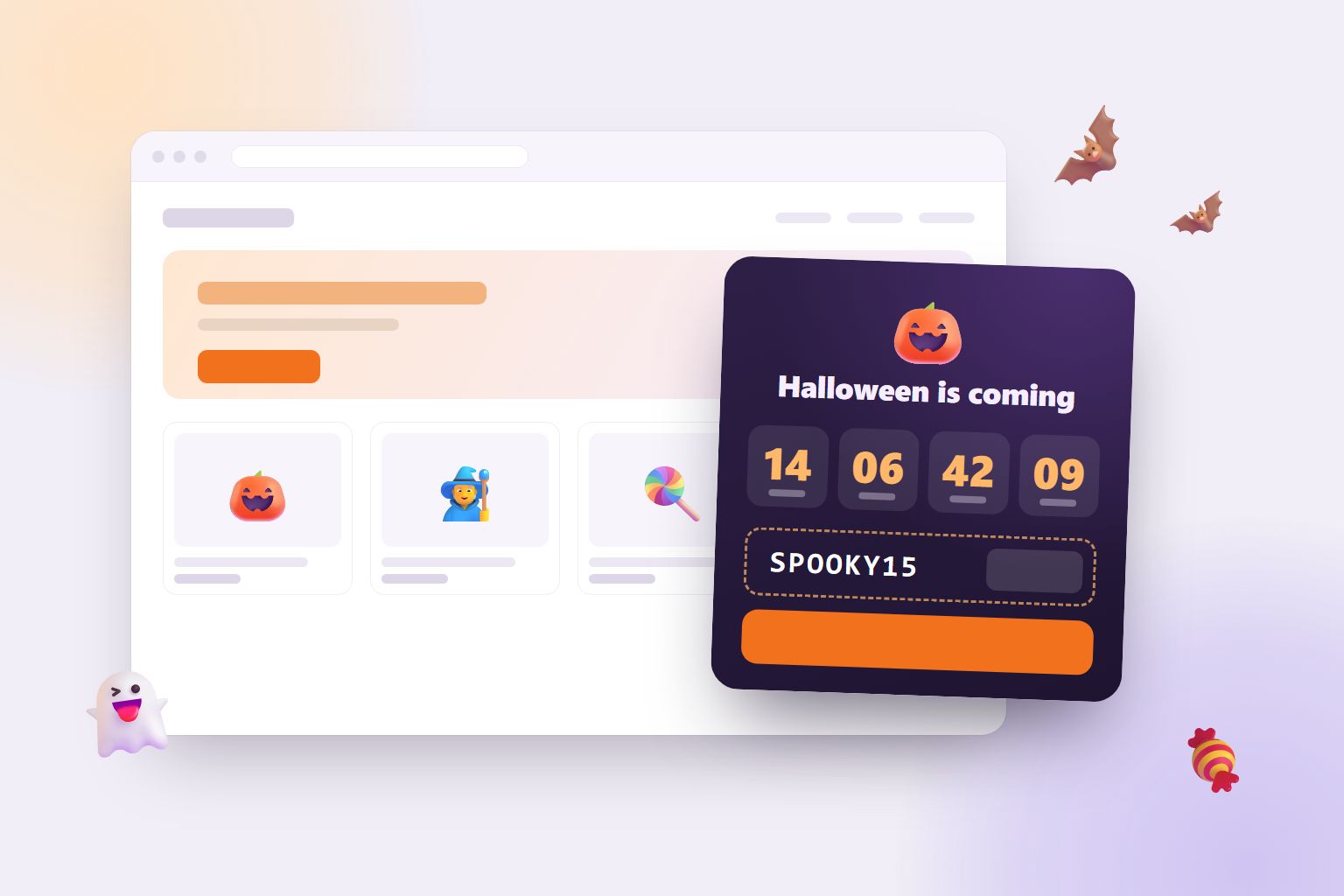
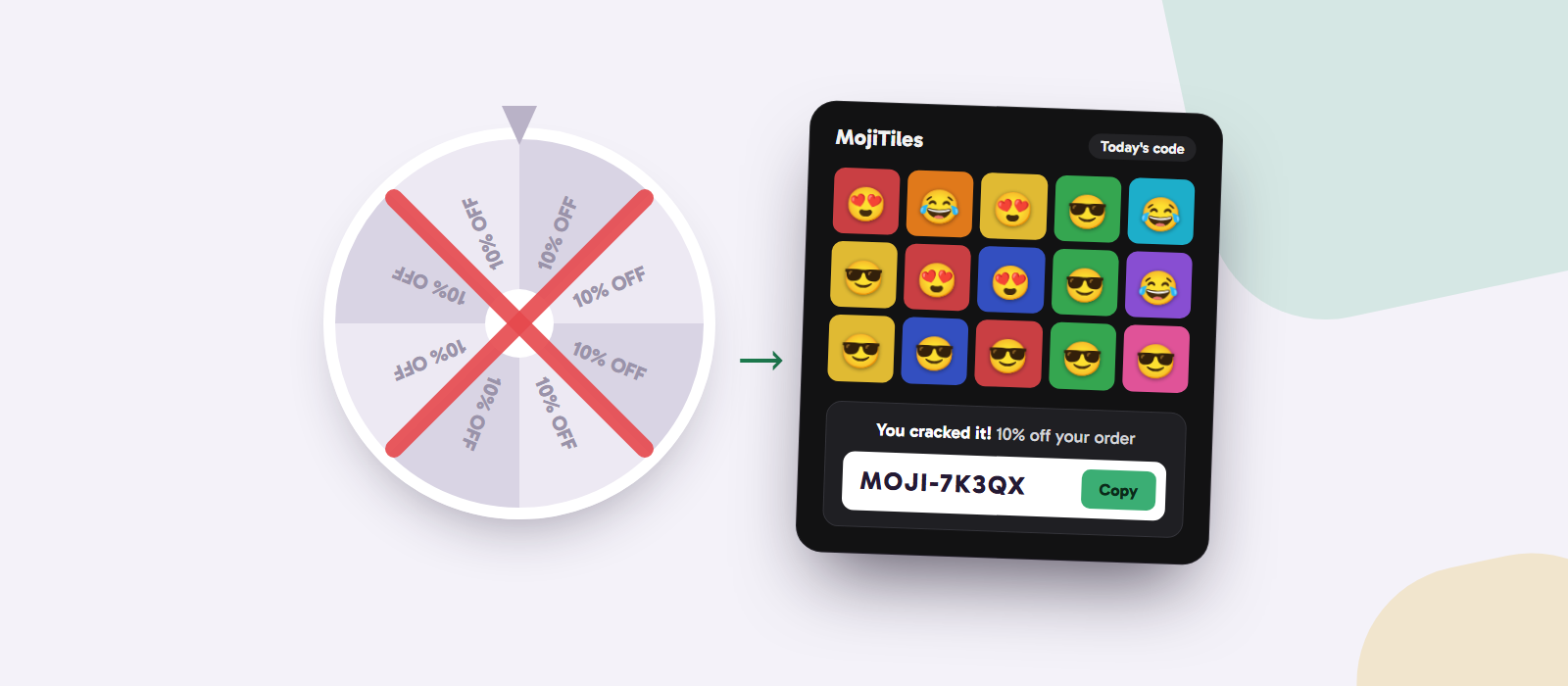
Black Friday countdown timers: sell more without giving away your margin
Black Friday 2026 is on 27 November. Here is how a countdown timer brings visitors back, creates real urgency during the sale, and how to keep your discount profitable.
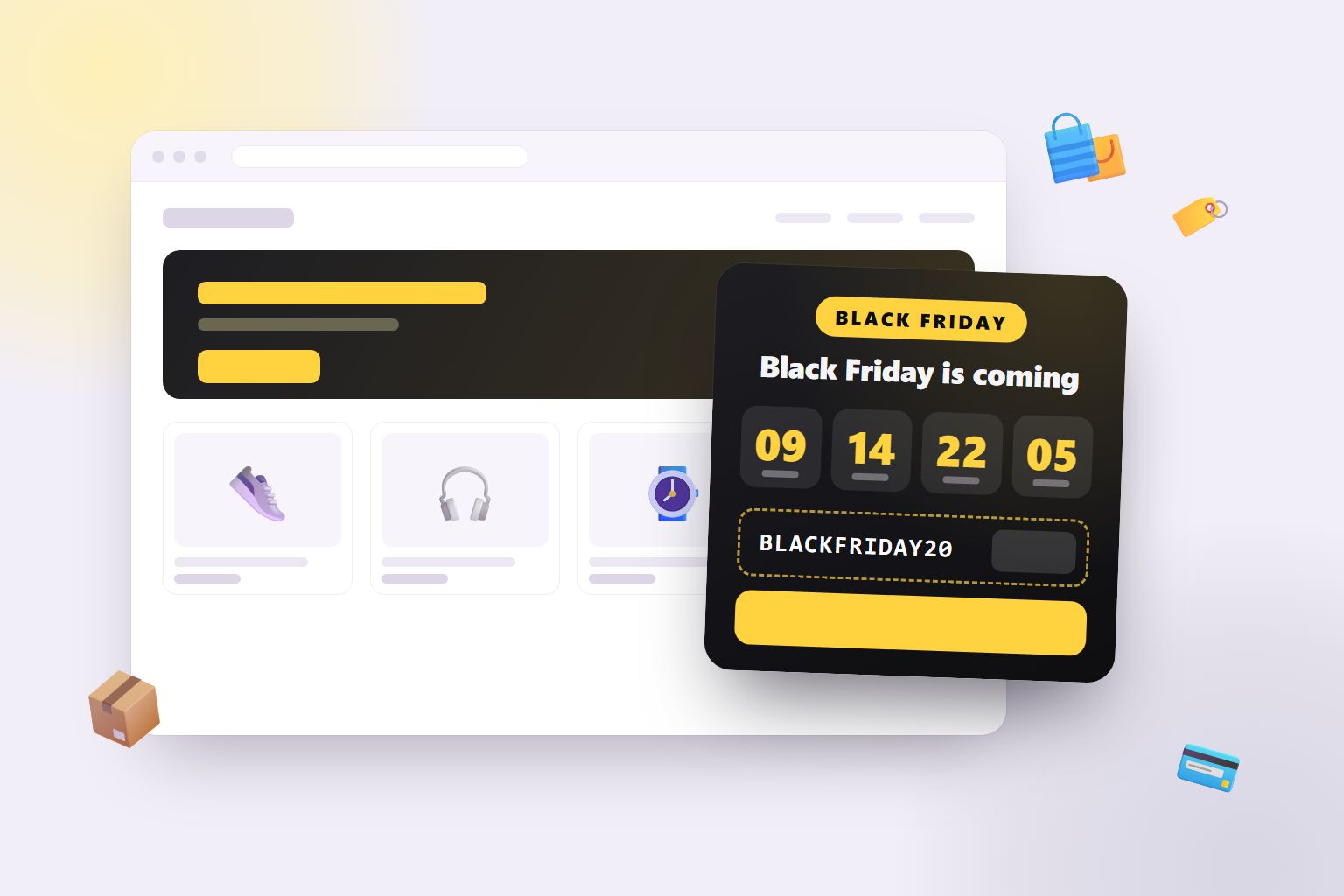
Black Friday is the biggest shopping weekend of the year, and also the noisiest. Every shop sends the same emails, runs the same banners and promises the same "biggest sale ever". The shops that do well are not always the ones with the biggest discounts. They are the ones customers remember, and come back to at the right moment. A Black Friday countdown timer on your website helps with exactly that. In this post, we look at why countdowns work so well for Black Friday, how to use one before and during the sale, and how to keep your discount from eating your whole margin.
When is Black Friday 2026?
Black Friday is the Friday after the fourth Thursday of November, the day after American Thanksgiving. In 2026, Black Friday is on 27 November, and Cyber Monday is on 30 November. Many shops now run a "Black Week" or keep their deals going through the weekend to Cyber Monday.
Why countdown timers work for Black Friday
1. Shoppers plan Black Friday
Black Friday is not an impulse event. People make wish lists, compare shops and wait for the deals to start. A countdown on your website tells them exactly when to come back to you. Without one, your visitor from early November might do their Black Friday shopping somewhere else.
2. Urgency during the sale is real
"Limited time only" means nothing. "Ends in 5 hours" means a lot. When the sale is live, a countdown to the end of the sale gives visitors an honest reason to buy now instead of thinking about it. Because the deadline is real, it doesn't feel like a sales trick.
3. It makes your offer visible on every page
Many visitors never see your front page. They land on a product page from a search or an ad. A countdown in the corner shows your Black Friday offer and code on every page, right where people decide whether to buy.
4. It builds anticipation for your own sale
A countdown that has been ticking for two weeks makes your sale feel like an event. Customers who watched it count down are more likely to come back on the day than customers who only received an email.
5. It works for you around the clock
Black Friday is a busy time to run a shop. A good countdown runs by itself: it counts down to Black Friday, switches to counting down to the end of your sale, and disappears when the sale is over. No banners to change at midnight.
How to use a countdown before and during Black Friday
| When | What the countdown says | Goal |
|---|---|---|
| 2–4 weeks before | "Our biggest sale of the year starts in 18 days" | Tell visitors when to come back |
| The last days before | "Black Friday starts in 1 day, 6 hours" | Build excitement, get newsletter sign-ups |
| During the sale | "The sale ends in 2 days, 4 hours" + your code | Turn visits into orders now |
| Last hours | "The sale ends in 3 hours" | Catch the people who were still thinking |
If you are running a Halloween campaign first, you can use the same approach a month earlier. We wrote about that in Halloween countdown timers and discount codes.
Don't let Black Friday eat your margin
Here is the uncomfortable part of Black Friday: big discounts are expensive, much more expensive than they look. A discount comes straight out of your profit, not your price.
- With a 40% margin, 20% off takes half your profit on every order, and you need twice as many orders to earn the same.
- With a 40% margin, 30% off takes three quarters of your profit, and you need four times as many orders.
Before you choose your Black Friday discount, work out your real margin with our free margin calculator, then see what the discount costs you with the discount cost calculator. The numbers often make a smaller discount, or free shipping, look much more attractive.
Ways to keep Black Friday profitable
- Set an end date on the code. The countdown shows the deadline, so make sure the code actually stops working when the timer runs out.
- Use a minimum order value above your average order, so the discount also grows the basket.
- Discount selected products, not the whole shop. Pick the ones with the best margins or the stock you want to clear.
- Use single-use codes for newsletters and partners, so they can't spread to coupon websites. Our discount code generator makes them for free.
- Give the best reward to the most engaged visitors. A public code for everyone, and an extra code that players earn by winning a short daily puzzle like MojiTiles. Read more in Earned discount codes: discounts that don't teach customers to wait.
Black Friday countdown ideas
- Early access. Count down to the public sale, and give newsletter subscribers the code a day early.
- Black Week. Start the sale on Monday and count down to the end of Cyber Monday.
- Doorbusters. One product at a big discount for the first hours, with the countdown showing how long it lasts.
- Countdown plus bar. Use the countdown in the corner and an Announcement Bar at the top with your main offer.
- Countdown plus game. Let visitors play a daily game during Black Week for an extra reward. It gives them a reason to come back every day of the sale, instead of just once. Spin wheels are the usual choice, but there are better ways to give out discounts.
How to add a Black Friday countdown with mojitiles
With the Black Friday Countdown widget, you can have a timer on your website in a few minutes:
- Create a free account and add Black Friday Countdown.
- Write your text for before and during the sale, choose whether the sale ends on Friday, after the weekend or after Cyber Monday, and add your code and a link to your deals.
- Paste one line of code into your website. Our guide How to add a game to your website shows you how, step by step, for Shopify, WordPress, WooCommerce, Wix and more. Widgets are added the same way.
The widget works out the date of Black Friday by itself every year, counts down in each visitor's own time zone, and starts as a small button on phones, so it never covers your shop.
Make your Black Friday count
On Black Friday, timing is everything. A countdown tells visitors when your deals start, reminds them on every page, and gives them an honest reason to buy before the sale ends. Combine it with a discount you have actually done the maths on, and Black Friday becomes a good weekend for your customers and for your shop.
After Black Friday comes Christmas. Read Christmas shipping deadlines: how to tell customers when to order.
Try the Black Friday Countdown and start counting down. 🛍️