How to add a game to your website (no coding needed)
Learn how to add a game to your website in about five minutes, with step-by-step instructions for Shopify, WordPress, WooCommerce, Wix and any other website.
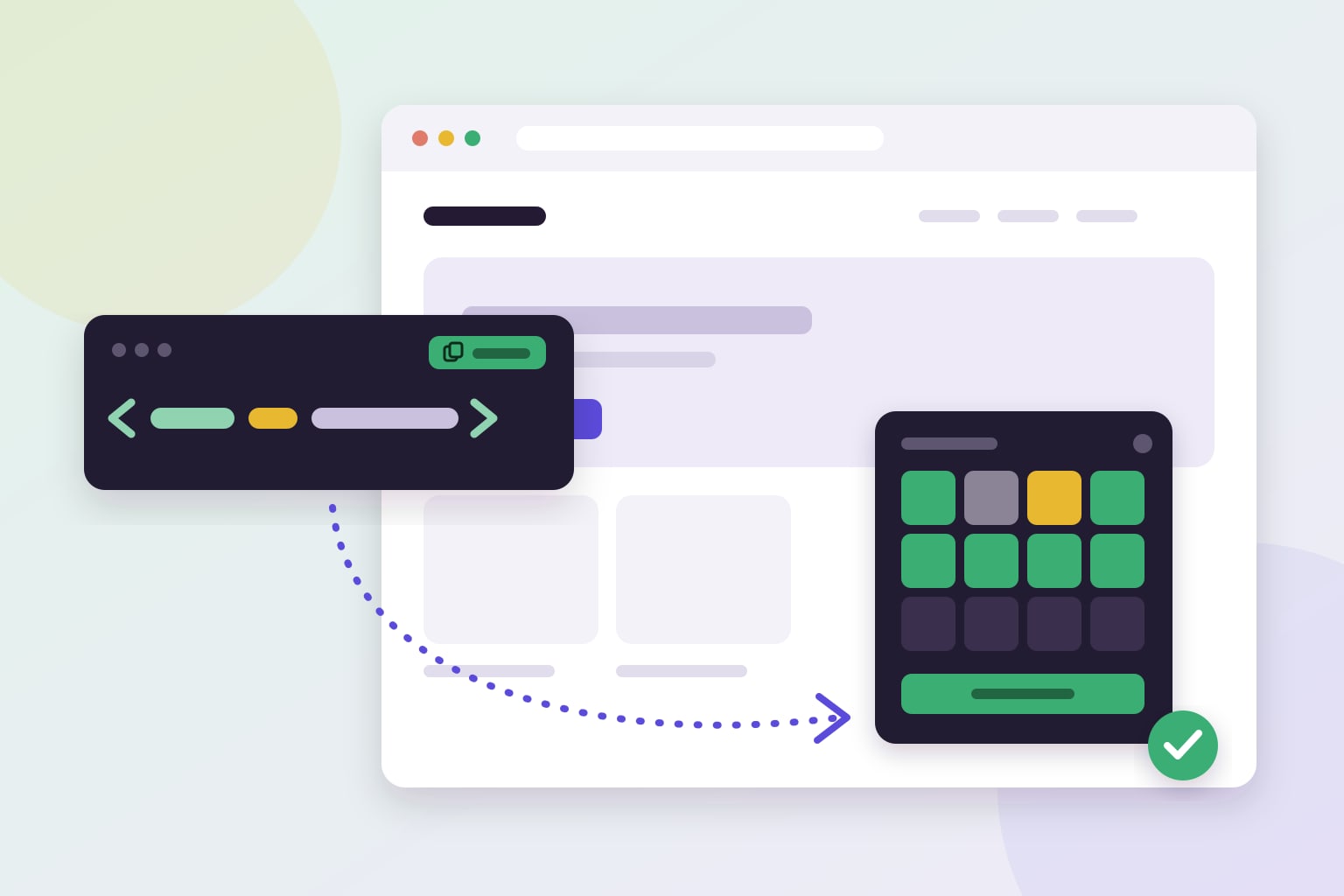
A small game can make your website more fun, keep visitors around for longer and give them a reason to come back. But adding one sounds like a job for a developer. It doesn't have to be. In this guide you'll learn the three ways to put a game on your website, and how to add one yourself in about five minutes, on Shopify, WordPress, WooCommerce, Wix, Dandomain, Shoporama or any other website.
What makes a good game for a website?
A game on your website is not the same as a game on a gaming site. Your visitors came for something else, so the game should support the visit, not take it over. The best website games have a few things in common:
- Short. A round takes a minute or two, so it fits into a visit instead of replacing it.
- Easy to understand. Visitors should get the idea in seconds, without reading instructions.
- Out of the way. It opens from a small button when the visitor wants to play, instead of covering the page.
- Made for mobile. Most visitors are on their phone, so the game must work well on a small screen.
- Part of your brand. Your colours and font, so it looks like it belongs on your website.
Three ways to add a game to your website
1. Build your own
A custom game can be exactly what you want, but it takes a developer, a budget and time, and someone has to maintain it afterwards. It makes sense for big brands with a specific idea. For most websites it is far more than they need.
2. Embed a game from a game site
Some game sites let you embed their games with an iframe. It is free, but you get their branding and often their adverts on your page, you can't change how it looks, and you can't see how your visitors use it. Visitors may also click away to the game site and never come back.
3. Use a game widget
A game widget is a ready-made game that you add with a single line of code. It runs in a small box in the corner of your website, uses your brand colour and comes with statistics, so you can see how many people play. This is the quickest way to get started, and the one we'll walk through below.
How to add a game to your website, step by step
The steps below use mojitiles, but the idea is the same for most widgets: choose, customise, copy one line and paste it into your website.
Step 1: Choose a game
Pick a game that suits your visitors. Code Breaker is a number puzzle with Wordle-style clues that works in any language. MojiTiles is a colourful emoji tile puzzle that is quick to learn. You can see all games and tools on the widgets page, and try each one before you add it.
Step 2: Make it yours
In your dashboard, choose your brand colour, the corner where the game should sit and, if you like, a reward such as a discount code for winners. Add your website's address to the list of allowed domains, so the game only runs on your own website.
Step 3: Copy your embed code
On the Widgets page, click Copy next to your game. The embed code is a single line that looks like this:
<script src="https://mojitiles.com/AbCdE-fGhIjK-LmNo"></script>Step 4: Paste it into your website
The code should go on every page, just before the closing </body> tag. Here is where to paste it on the most common platforms:
- Shopify: go to Online Store → Themes, click … next to your theme and choose Edit code. Open layout/theme.liquid, paste the code on the line just above
</body>and click Save. - WordPress and WooCommerce: install the free WPCode plugin (Insert Headers and Footers) under Plugins → Add New. Then go to Code Snippets → Header & Footer, paste the code in the Footer box and click Save Changes. Using a plugin means the game stays when your theme updates.
- Wix: go to Settings → Custom Code and click + Add Custom Code. Paste the code, choose All pages and Body - end, and click Apply. Custom code on Wix needs a premium plan with a connected domain.
- Dandomain: open Webshop → Design, click Ret design and then Indsæt javascript. Paste the code at the end of the field and click Gem.
- Shoporama: go to Webshop → HTML Fields and add a new field. Paste the code, set Placement to Insert at the end of <body> and click Save.
- Any other website: open the template used on every page, often a footer or layout file, and paste the code just above
</body>. No access to the HTML? Look for a setting called "custom code", "scripts" or "tracking code".
Step 5: Check that it works
Open your website in a new tab and reload the page. The game button appears in the corner within a few seconds. Click it and play a round to make sure everything looks right.
The game doesn't show up. What now?
- Check the whole line was pasted. The code must start with
<scriptand end with</script>. - Check your allowed domains. If your website isn't on the list, the game won't load there. Remember that www.yoursite.com and shop.yoursite.com are different addresses.
- Clear the cache. If your website or hosting uses caching, clear it and reload the page in a private window.
- Was it saved and published? Some platforms need you to publish your changes before visitors see them.
Will a game slow down my website?
Not if it is added the right way. Placing the code just before </body> means your page loads first and the game afterwards, so your visitors see your content straight away. A good widget also keeps its own styles to itself, so it never changes how the rest of your website looks. Speed matters for both visitors and Google, so it is worth checking for any widget you add. We wrote more about this in Website games and SEO: why longer visits matter.
Getting people to play
- Give a reason to play. A small reward for winners, such as a discount code or free shipping, turns curiosity into a click.
- Make it a habit. A game that changes every day gives visitors a reason to come back tomorrow.
- Tell people about it. Mention the game in your newsletter or on social media. "Can you crack today's code?" is a more fun message than another sale banner.
- Follow the numbers. Check how many open the game, play, win and use the reward, and adjust from there.
Want to know more about why games work? Read 6 benefits of gamification.
Add your first game today
With mojitiles you can add games and tools to any website with one line of code, with step-by-step guides for Shopify, WooCommerce, Wix, Dandomain, Shoporama and plain HTML in your dashboard. Start with the free plan to try one widget on your website, and upgrade when you want rewards and more visitors.
Create your free account and have your first game live in a few minutes.