7 benefits of website widgets for webshops
Add new features to your webshop without a developer. Here are 7 benefits of website widgets, from announcement bars to games, and what to look for.
Your webshop already has products, prices and a checkout. So why add anything more? Because the small things around the products often decide whether a visitor buys, asks a question or simply leaves. Website widgets are those small things: a contact form in the corner, a bar with your latest offer, a game with a discount code. Here is what they can do for your shop.
What is a website widget?
A widget is a small, self-contained feature you add to your website without rebuilding it. It usually sits in a corner or along the top of the page and does one job well. Typical examples are announcement bars, contact forms, chat buttons, reviews, countdowns and small games. You add it once, and it shows up on every page.
1. New features without a developer
Changing a webshop theme can be slow and expensive. A widget is added with a single line of code, often in a field your shop platform already has for custom code. That means you can add a new feature in minutes instead of waiting weeks for a developer, and you can do it yourself.
2. Your message, on every page
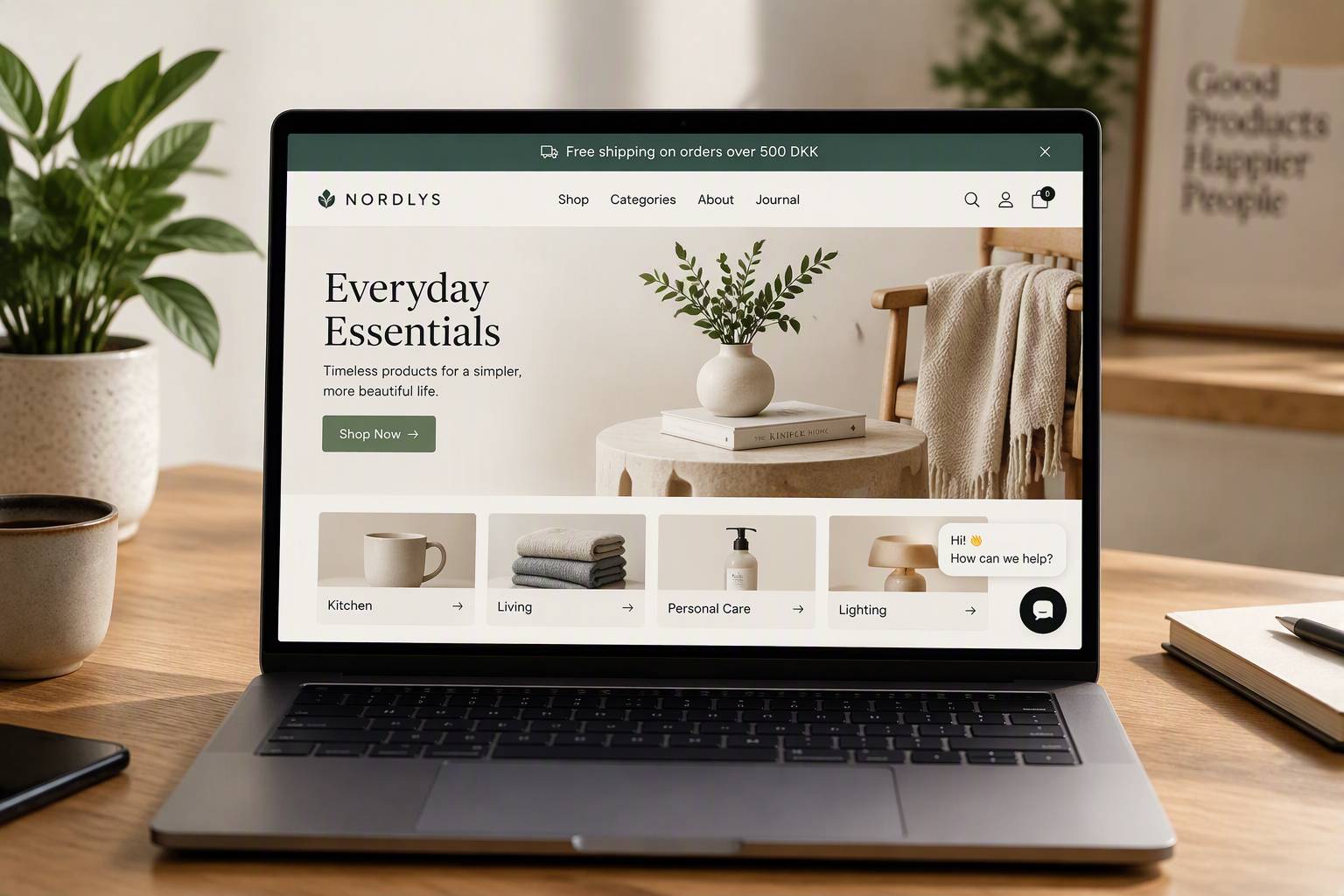
Free shipping this weekend? A new collection? Closed for the holidays? An announcement bar puts the message at the top of every page, so no visitor misses it. When the campaign ends, you change the text in one place and you are done. No banners to redesign, no pages to edit.
3. Easier for customers to reach you
Many visitors have a small question before they buy: does it fit, when will it arrive, can I return it? If they have to hunt for an email address, many give up. A contact form that is always one click away turns those questions into conversations, and conversations into sales.
4. More engagement, longer visits
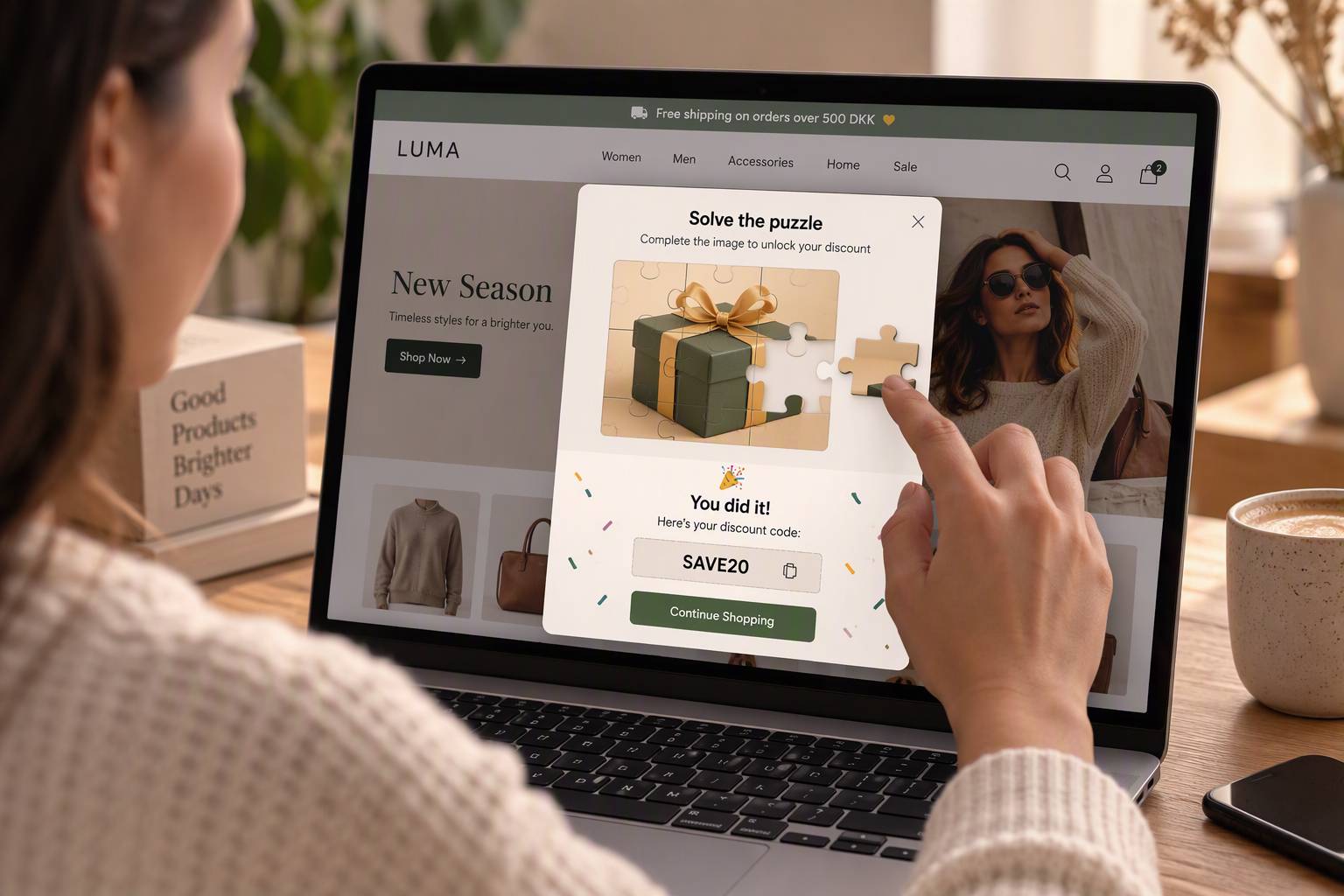
Interactive widgets give visitors something to do besides scrolling. A daily puzzle, a game with a reward or a playful emoji reaction keeps people on your site longer and gives them a reason to come back. We wrote more about this in 6 benefits of gamification for webshops.
5. Try things and see what works
Because widgets are easy to switch on and off, they are perfect for testing. Run a game for a month and see how many people play and use the discount code. Try a different offer in your announcement bar. Keep what works, remove what doesn't, and make decisions based on real numbers instead of guesses.
6. Works with the shop you already have
You don't need to move to a new platform to get new features. Good widgets work on Shopify, WooCommerce, Dandomain, Shoporama, Wix and any other website where you can paste a line of code. If you ever change platform, your widgets move with you.
7. Low cost, low risk
Custom features are an investment, and if they don't work, the money is gone. Widgets usually cost a small monthly amount and can be cancelled at any time. That makes it easy to start small and grow only when you see results.
What to look for in a widget
- Fast loading. A widget should never slow down your shop. Look for small scripts that load after the page.
- Your brand. Colours and fonts should match your shop, so the widget looks like it belongs there.
- Mobile friendly. Most visitors shop on their phone. The widget must work well on a small screen and never cover the buy button.
- Statistics. You should be able to see how many people saw it, used it and acted on it.
- Easy to remove. If it doesn't work for you, removing it should be as easy as adding it.
Get started with mojitiles
mojitiles gives you games and tools such as an announcement bar, a contact form, emoji rain and word puzzles that you can add to your webshop with one line of code. Pick a widget, add your brand colour, and follow the step-by-step guide for your platform.
Create your free account and add your first widget today.